.png?width=250&height=92&name=Reunion_Logo_White%20(1).png)
1. Navigate to "Apprenticeship Programs" in your Reunion portfolio

2. Click "Add apprentice program"

3. Enter the program name

4. Add the Contractor for the program
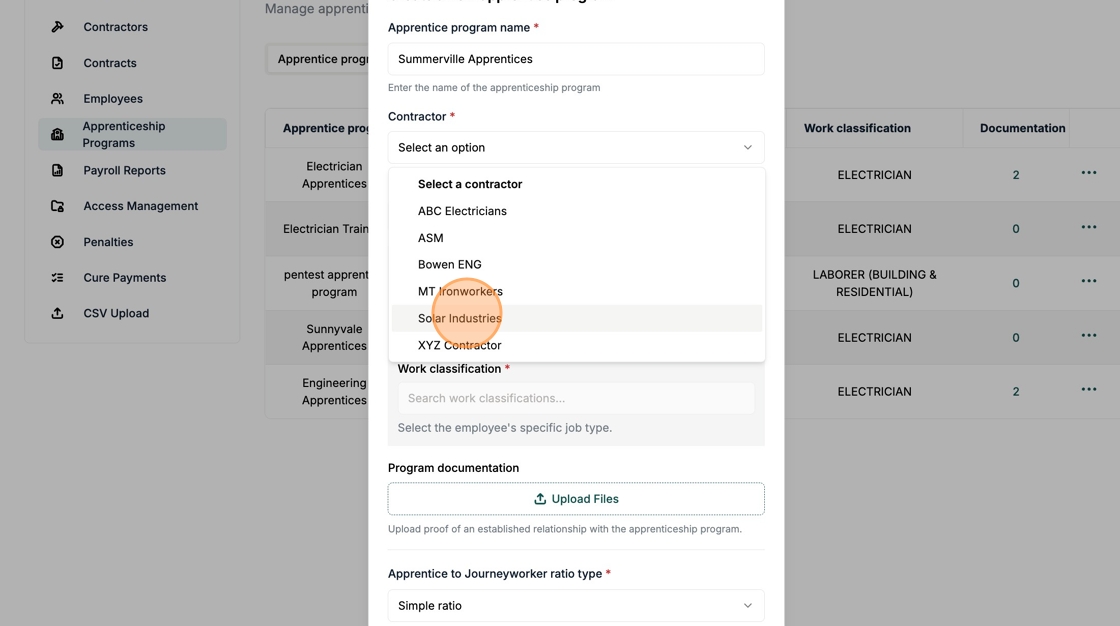
5. Add the Contract & Project

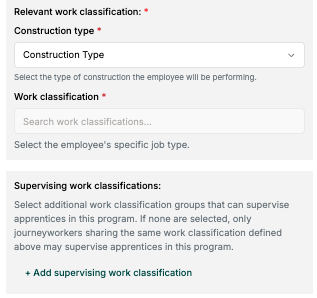
6. Select the Construction Type

7. Add the Work Classification

8. Optional: Add additional supervising classifications (if needed)
If none are selected, only journeyworkers sharing the same work classification defined above may supervise apprentices in this program.
9. Upload Apprenticeship Program documentation

Documentation of the Registered Apprenticeship Program (RAP) is required for the taxpayer to demonstrate PWA compliance on a project. Supporting documentation includes:
- Documents reflecting any registered apprenticeship program sponsored by the taxpayer (or contractor or subcontractor). Details should include:
- Program Name & Registration
- Sponsoring Organization
- Geographic Jurisdiction (if this program is outside the jurisdiction of the project, then the ratio and wages of the geographic area of the project apply)
- Trade/Occupation
- Effective Dates
- Records reflecting the required ratio of apprentices to journeyworkers and the apprentice wage schedule prescribed by each registered apprenticeship program.
- This information often resides in the Work Process Schedule (Appendix A). Click here for an example.
- Records reflecting the daily ratio of apprentices to journeyworkers
- Any agreement entered by the taxpayer (or contractor or subcontractor) with a registered apprenticeship program.
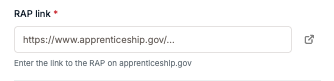
10. Add link to Registered Apprentice Program found on apprenticeship.gov
To find and share the RAP program itself, please try using the Apprenticeship Finder at the link below. From there, you should be able to search by program name, sponsor/employer, or location and then copy the URL for the program listing:
https://www.apprenticeship.gov/partner-finder
11. Select the Apprentice to Journeyworker ratio type

12. Input the defined ratio from the program

When entering a ratio schedule for an apprentice program in the Reunion app, please include a row for each apprentice level along with the corresponding maximum number of journeyworkers allowed. This ensures the system can accurately evaluate compliance and properly flag any instances where the required number of journeyworkers is not present on a given day.
For JATC programs specifically: We have seen often that the documentation usually states the ratio of 2 apprentices to 3 journeyworkers, but then includes a schedule. Example below:
This should be represented in Reunion with the following apprentice: minimum number of journeyworkers: 1:1, 2:1, 3:4, 4:4, 5:7, 6:7, 7:10, 8:10 etc. Please use this table below as a guide:
| Number of Apprentices | Required Journeyworkers |
| 1 | 1 |
| 2 | 1 |
| 3 | 4 |
| 4 | 4 |
| 5 | 7 |
| 6 | 7 |
| 7 | 10 |
| 8 | 10 |
| 9 | 13 |
| 10 | 13 |
| 11 | 16 |
| 12 | 16 |
| 13 | 19 |
| 14 | 19 |
| 15 | 22 |
| 16 | 22 |
| 17 | 25 |
| 18 | 25 |
| 19 | 28 |
| 20 | 28 |
| 21 | 31 |
| 22 | 31 |
| 23 | 34 |
| 24 | 34 |
| 25 | 37 |
| 26 | 37 |
| 27 | 40 |
| 28 | 40 |
| 29 | 43 |
| 30 | 43 |
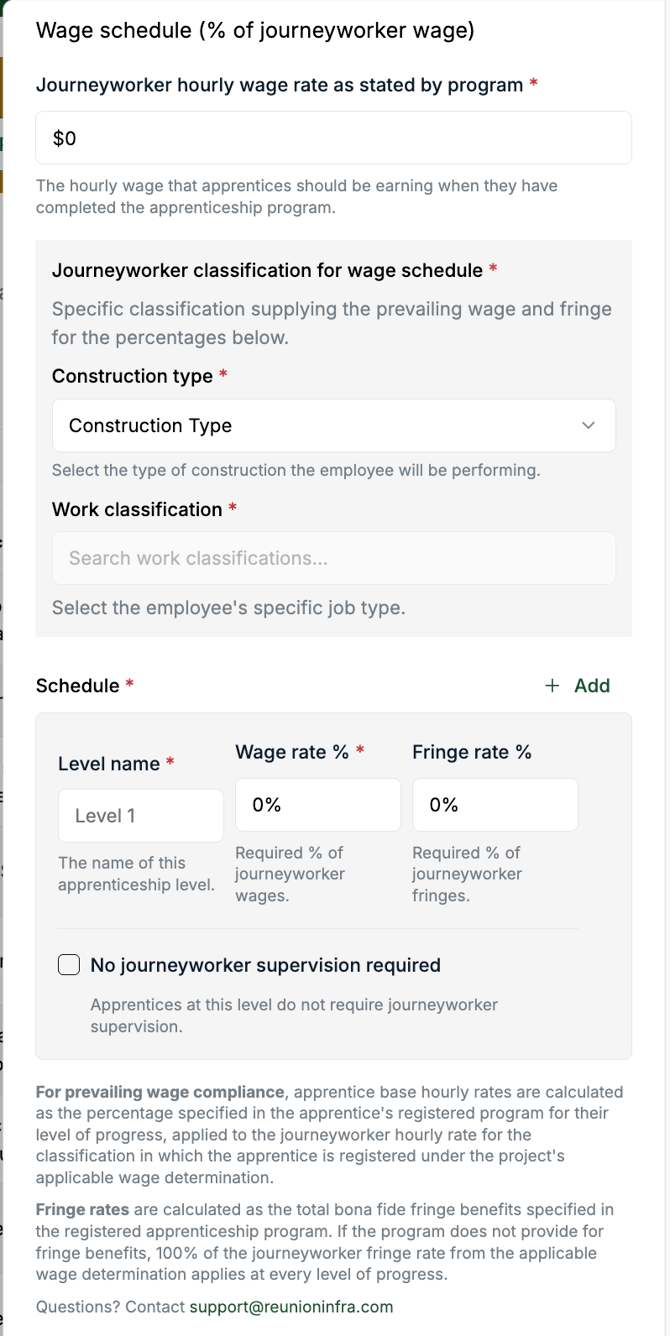
13. Input the Apprentice Wage Schedule