.png?width=250&height=92&name=Reunion_Logo_White%20(1).png)
Steps to Add a Contract:
Note: User must have Sponsor access to use this tool.
1. Navigate to "Contracts" Tab
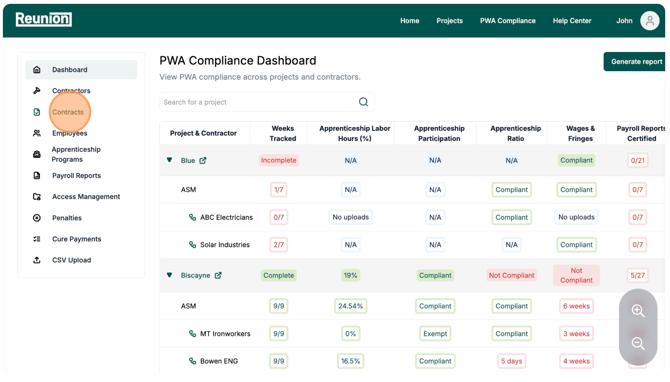
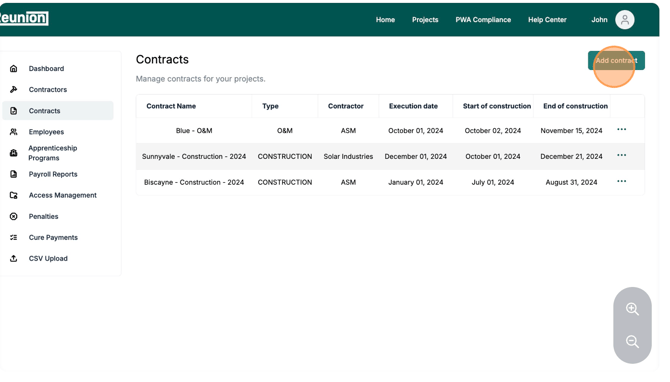
2. Click "Add Contract"
3. Add Contract Name
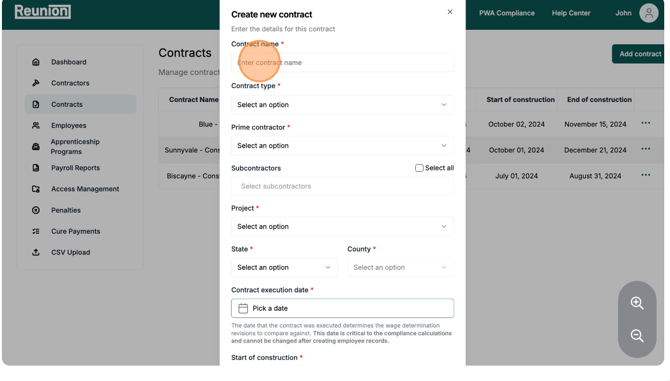
4. Select Contract Type
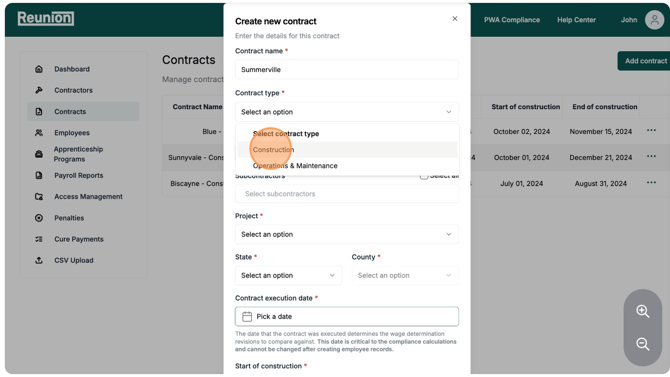
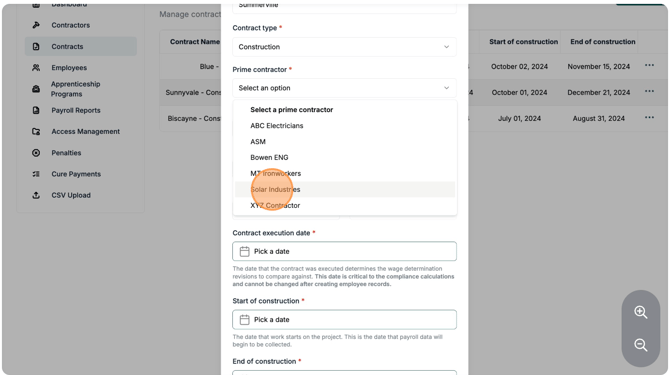
5. Add Prime Contractor
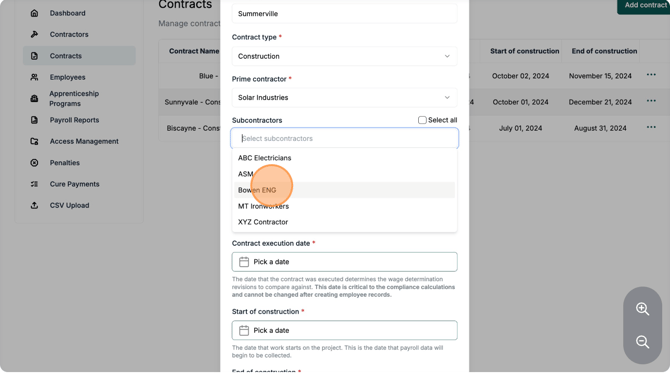
6. Add Subcontractors (if applicable)
7. Add Project
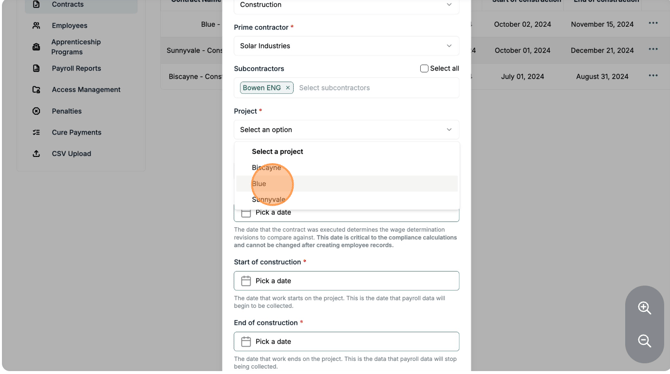
8. Add State and County
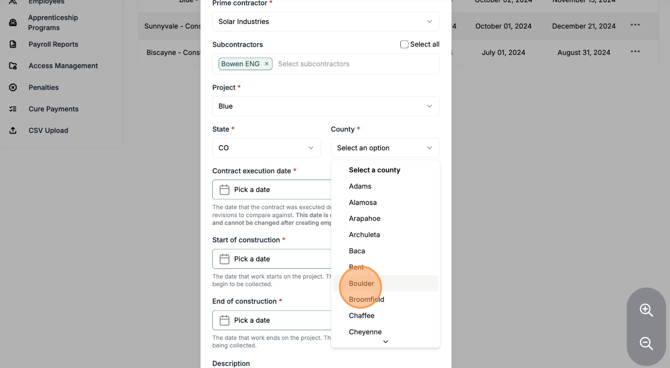
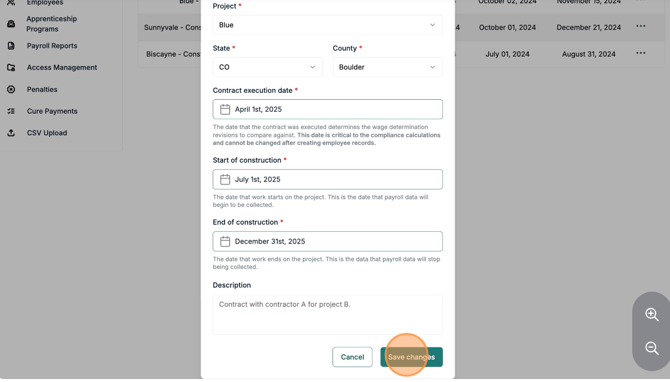
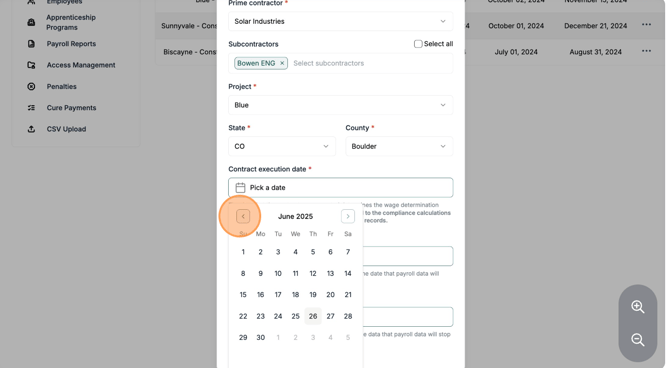
9. Add Contract Execution Date
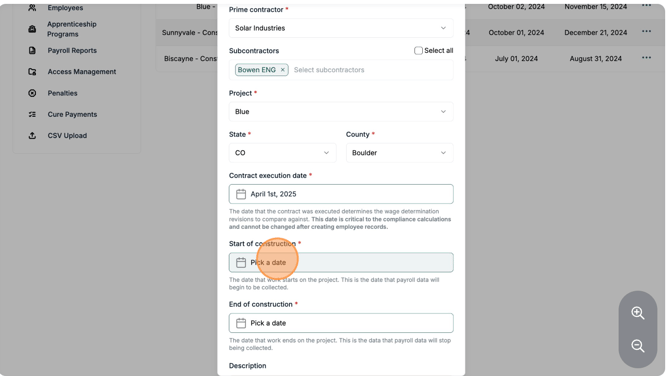
10. Add Start of Construction Date
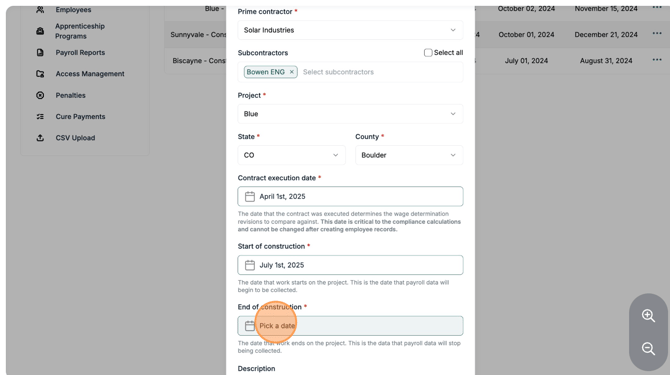
11. Add End of Construction Date
12. Save Contract