.png?width=250&height=92&name=Reunion_Logo_White%20(1).png)
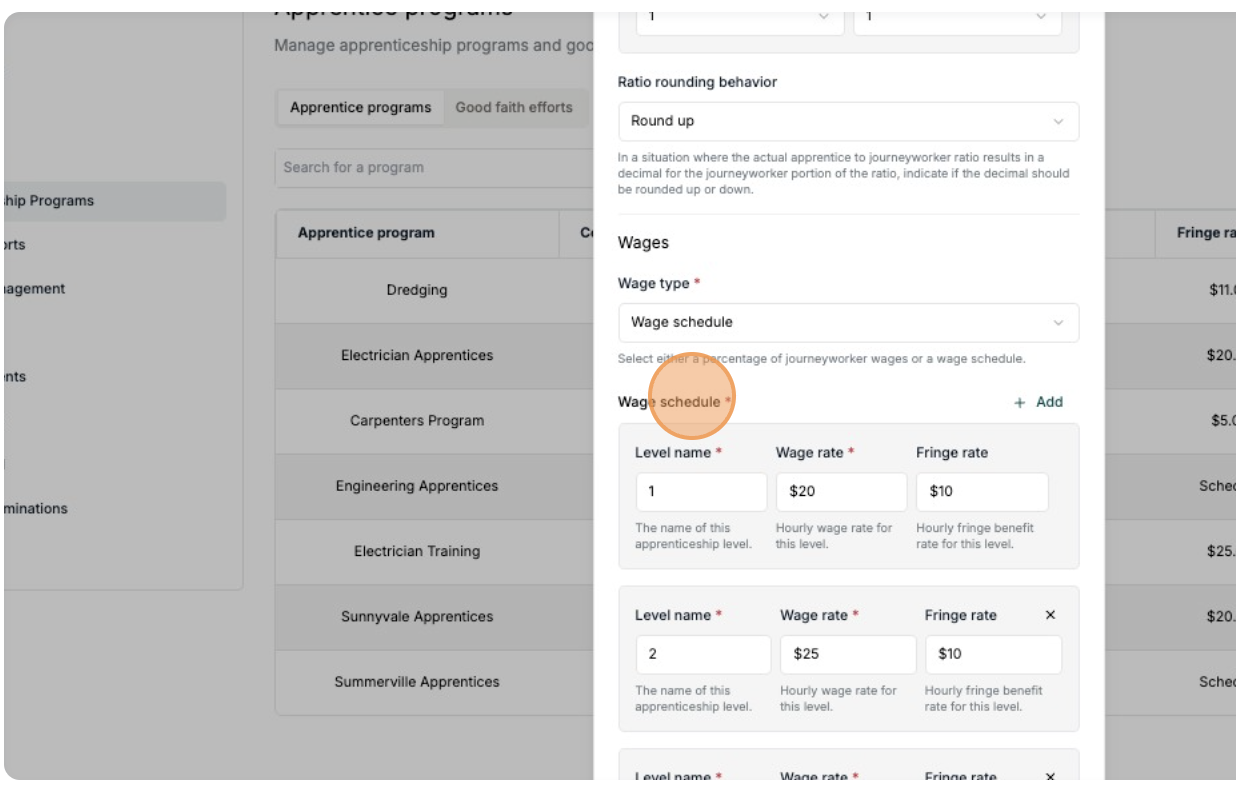
These steps only apply for apprentices assigned to an Apprentice Program with a "Wage Schedule" that has multiple levels
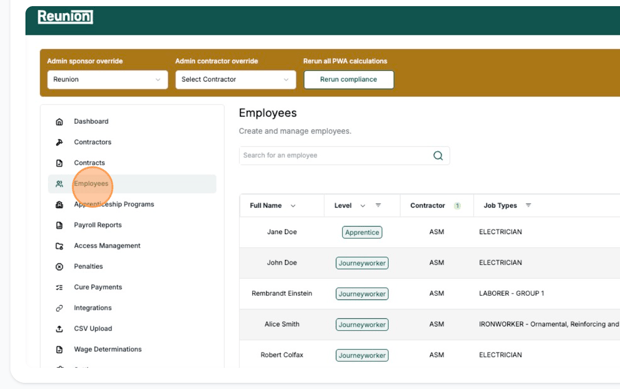
1. Navigate to Employees page
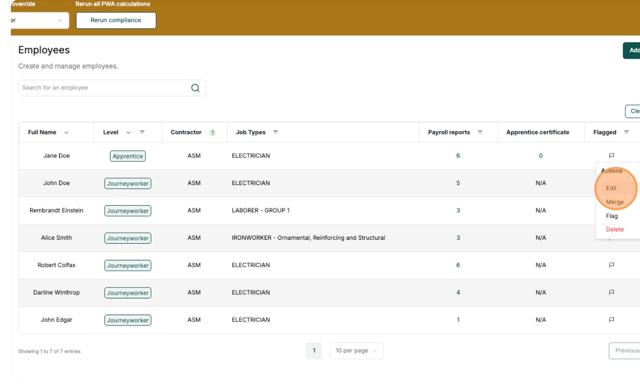
2. Select the Apprentice profile to edit
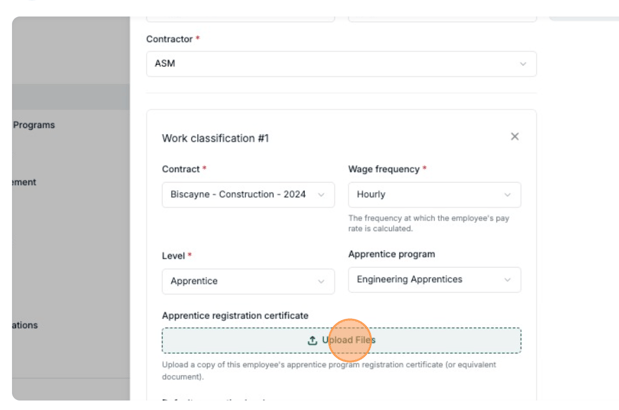
3. Click "Upload Files" to add their Apprentice Certification
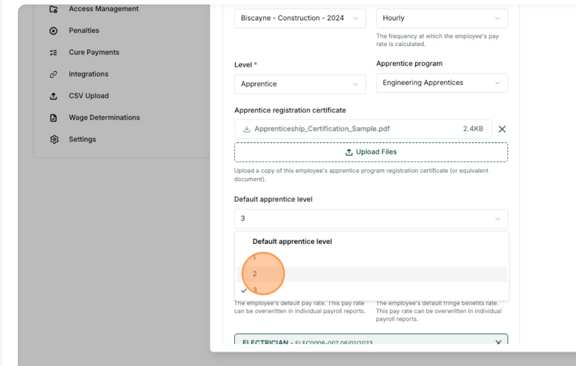
4. Select their "Default apprentice level"
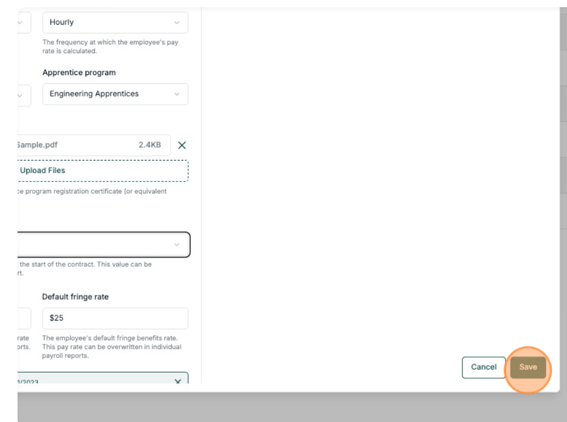
5. Click "Save"
6. Go to the payrolls for that apprentice
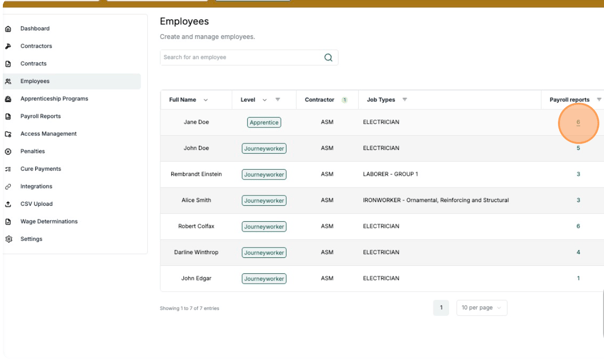
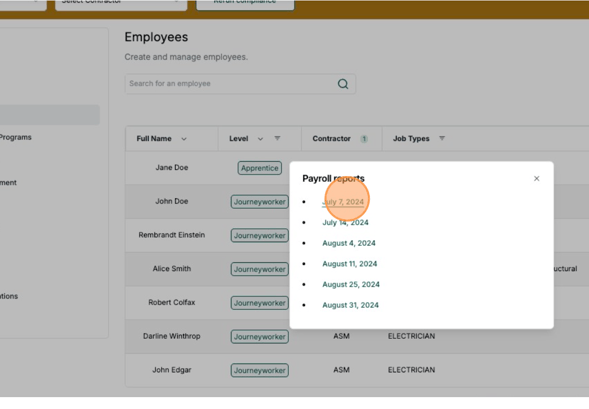
7. Click the week you want to add their apprentice level to
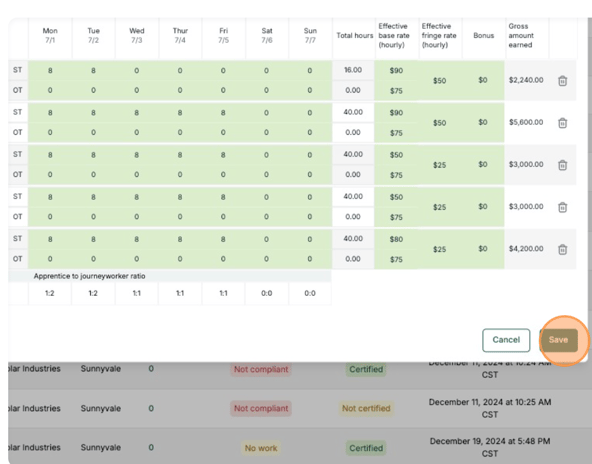
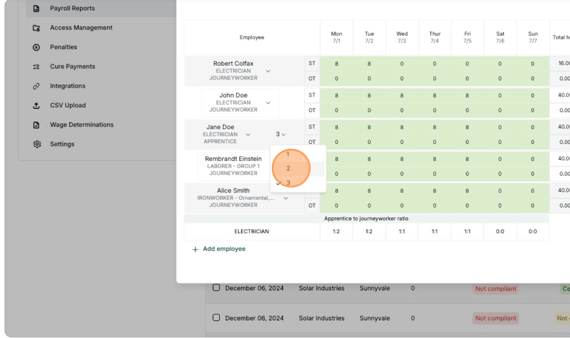
8. Add their level for each payroll (default level may already be added)
9. Click "Save"